Short version: yes, for the things that actually change. Your text, your photos, your hours, your prices, a new project, a blog post. The parts that rarely change, like the layout and the design, are where a developer earns their fee.
The worry behind the question is usually a bad experience. Someone built the site years ago, nobody remembers the login, and changing a phone number means an email, a wait, and an invoice. That is a fair thing to want to avoid. Here is what editing your own site looks like when it is set up for it.
What you can change yourself
Every site I build comes with an editing dashboard. You log in with your email address, there is no software to install, and it works from a phone. Inside, it is laid out the way your site is:
- Pages. The words and photos on each page. The homepage intro, the about section, the services list.
- Projects, products or posts. Anything you add more of over time. A new job for the gallery, a new item in the shop, a new journal entry.
- Business details. Phone number, email, hours, service area. Change it once and it updates everywhere it appears.
You type, you swap a photo, you press save. No developer in between.
What it looks like in practice
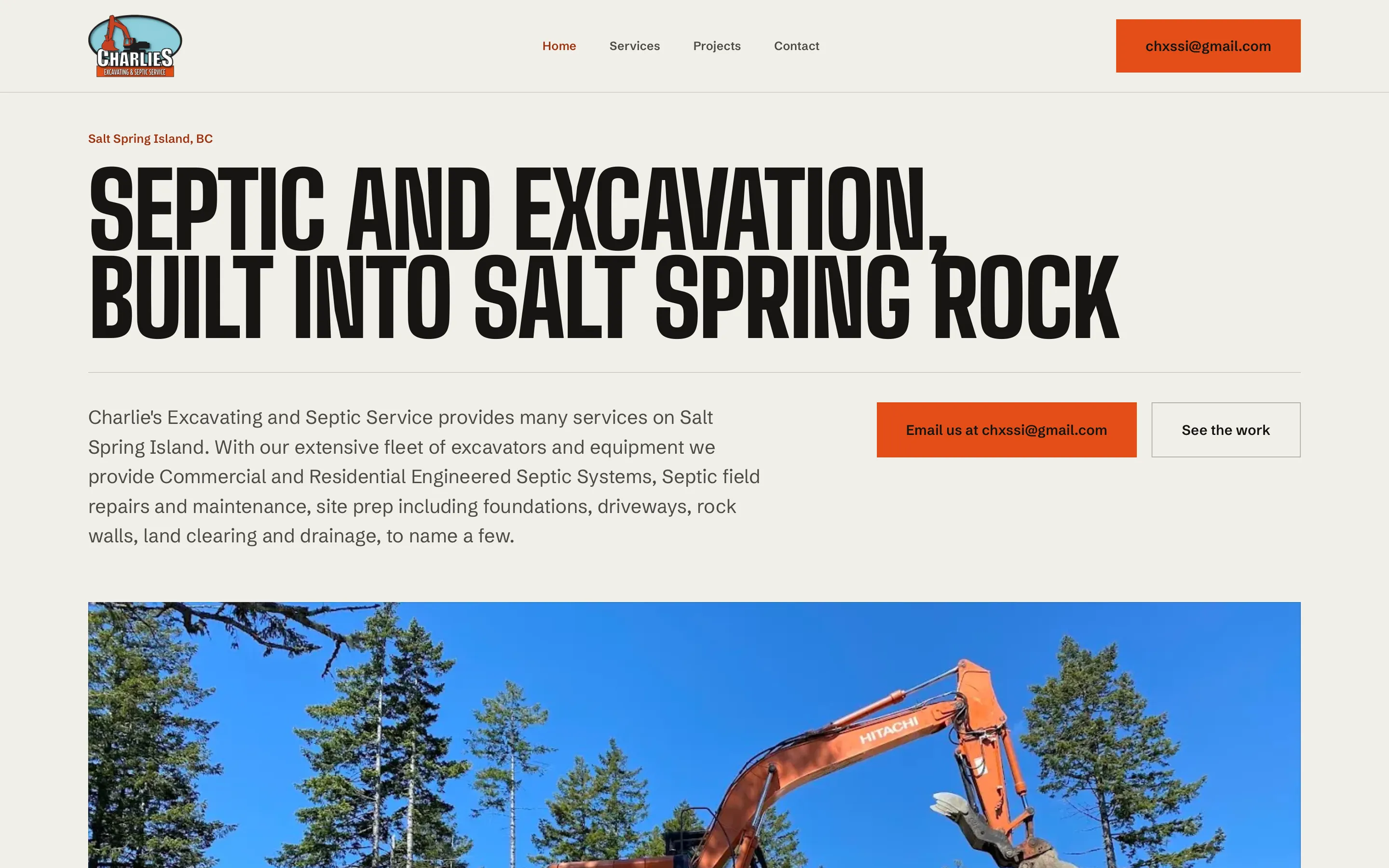
Charlie’s Excavating on Salt Spring rewrote their own homepage intro the week the site launched. Nobody asked me first, and nobody needed to. They knew how they wanted to describe their work better than I did, and the dashboard let them say it.
At Figs & Honey, Lisa writes her own journal posts and adds products to the shop herself. Each product is a photo, a name, a description and a price, so new stock goes up on her schedule instead of mine.
Soma Active Health had one hard requirement before they hired me: they manage their own content now and wanted to keep doing that. The clinic’s team logs in with their email address and edits the site themselves. I recorded a short walkthrough video at handover, and that was the training.
What still needs someone
A dashboard is for content. It is deliberately not a design tool, and that is a feature. It means you can change every word on the page without being able to knock the layout sideways by accident.
The things that still need a developer:
- Layout and design changes. A new kind of section, a different homepage structure, a new page type.
- Anything connected to something else. Booking systems, online payments, contact forms, email sign-ups.
- Your domain and email settings. Easy to get wrong, and the kind of mistake that takes your email down.
- Problems nobody can see from the page. At Salt Spring Island Printmakers, a show entry was listed at $40 while checkout charged $35. Nobody could have fixed that by editing the page text. It took finding where the two numbers came from.
Being able to and wanting to are different
Some owners can edit everything and still would rather not. Beyond Fitness runs on Wix, which Sarah-Jane can edit herself. She sends me a list instead: new trainer pages, old pages cleared out, a search description on every page. Her time is better spent with clients than learning where the settings live, and batching the work keeps it cheap.
That is a perfectly good way to run a website. The point of a dashboard is that you get to choose, not that you are stuck doing it.
Questions to ask before anyone builds your site
If you are talking to a web designer, these tell you quickly whether you will be able to look after it yourself:
- Can I change the text and photos myself, from my phone? If the answer involves a separate paid account or a special program, ask what it costs per month.
- What happens if I make a mistake? On the sites I build, every save is kept, so any change can be rolled back.
- What do I still need you for, and what does that cost? Get a straight answer before the build, not after.
- If we stop working together, what do I keep? You should own your domain, your content and the site itself.
The short answer, again
Yes, you can update your own website, as long as it was built for you to update. If you want to see what the dashboard looks like, there is a real one on the care plan page, with the edit Charlie’s made. If you already have a site and just want someone to handle the changes, that is hourly work at $40 an hour.
Either way, get in touch and tell me what you would like to be able to change.